
































Understanding the Impact of a Cluttered Workspace
How Clutter Affects Concentration and Productivity
A cluttered workspace can quickly become a major obstacle to maintaining focus and achieving productivity. When your desk is overloaded with papers, gadgets, and unnecessary items, your brain struggles to filter out distractions. This cognitive overload reduces your ability to concentrate deeply and increases the likelihood of errors or overlooked details. The constant visual noise not only disrupts your workflow but also leads to increased stress and a sense of being overwhelmed, which can decrease overall work efficiency.
Psychological Benefits of an Organized Environment
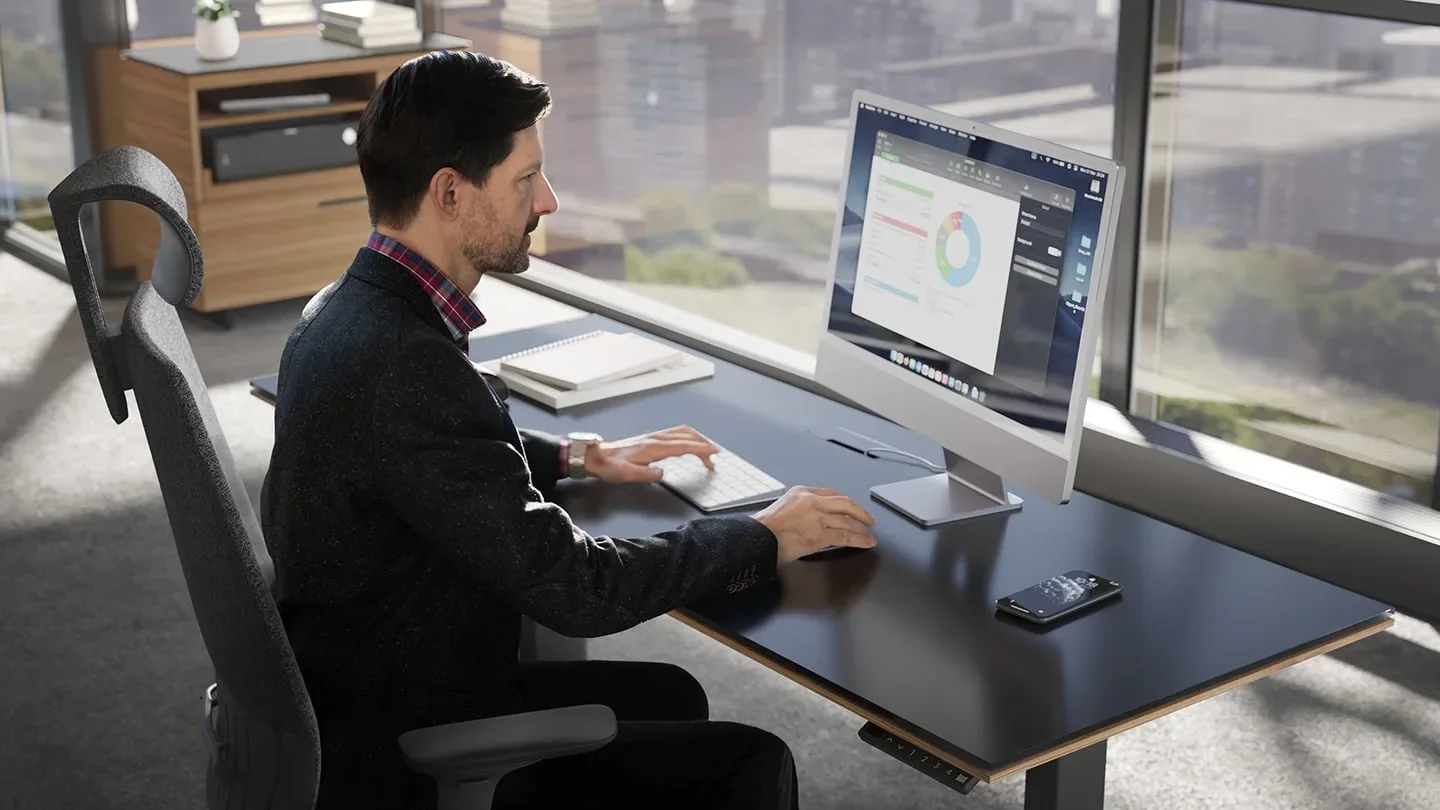
Conversely, an organized workspace supports mental clarity and calmness. Knowing exactly where items are located saves time and minimizes frustration. It creates a sense of order that reduces stress and fosters a positive mindset. This organized environment encourages more deliberate, focused work behavior, which enhances productivity. Moreover, a tidy desk can bolster motivation by making the workspace inviting and professional, subtly reminding you of your goals and purpose.
Preparation for Workspace Decluttering
Assessing Your Current Workspace
Before jumping into decluttering, it’s important to take a candid look at your current workspace. Notice where clutter tends to accumulate and which items are truly necessary for your daily tasks. By understanding the specific problem areas—whether it’s piles of paper, tangled cables, or random office supplies—you can target your efforts more effectively. This initial assessment helps you to acknowledge the resources you already have and identify what might be contributing to disorganization.
Setting Clear Goals for Decluttering
Decluttering can feel overwhelming without clear objectives. Defining what a functional workspace looks like for you is crucial. Do you want a minimalist environment, or is some personalization important? Establishing goals such as “reduce desk items by half” or “create easy access zones for daily tools” provides direction. These goals help you stay motivated and remind you why the process matters—boosting your concentration and comfort.
Gathering Necessary Supplies
Having the right supplies on hand streamlines the decluttering process. Gather boxes or bags for sorting items into categories such as keep, donate, or discard. Storage solutions like drawer organizers, cable ties, and trays will support organization efforts. If on a budget, household items like shoeboxes or containers can be repurposed effectively. Preparing these materials beforehand eliminates interruptions and encourages momentum throughout the cleanup.
Step 1: Clearing Out Unnecessary Items
Identifying What to Keep, Donate, or Toss
The first actionable step is to honestly evaluate every item on and around your workspace. Ask yourself whether it serves a frequent, practical purpose or holds important value. Items that no longer fit these criteria should be either donated or discarded to free up space. This process may reveal duplicates, outdated files, or gadgets no longer in use. Removing these not only decreases physical clutter but also clears mental space, making it easier to concentrate.
Tips for Efficient Sorting

Efficient sorting relies on creating distinct categories to direct your decisions. Using three containers or bags labeled keep, recycle/trash, and belongs elsewhere helps maintain clarity. Be systematic in handling one section at a time to prevent getting overwhelmed. Getting a second opinion from a colleague, friend, or visitor can provide fresh perspective on items you might overlook or consider essential unnecessarily. This methodical approach accelerates progress and leads to better results.
Step 2: Organizing Essentials for Easy Access
Creating Designated Zones for Different Tasks
Once unnecessary items are removed, organize the remaining essentials by their function and frequency of use. Establishing zones on your desk helps optimize workflow: a primary zone for keyboard, mouse, and main monitor; a secondary zone for notebooks or tablets; and a tertiary zone where infrequently used items are stored in drawers or shelves. This spatial arrangement minimizes reaching and searching, making work more efficient and reducing distractions.
Choosing the Right Storage Solutions
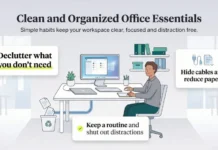
Choosing storage that matches your workflow needs is key to maintaining order. For frequently accessed items, top desk drawers or small containers provide convenience without clutter. Cables, often a source of visual chaos, can be controlled with inexpensive household items like film containers or paper holders, preventing tangling and mess. Avoid space-consuming gadgets that offer little practical benefit, as they detract from usable workspace. Smart storage solutions support a clean, functional environment.
Step 3: Personalizing Your Workspace Mindfully
Adding Decor That Enhances Focus
While decluttering emphasizes minimalism, thoughtful personalization can boost motivation and comfort. Select a few decorative items that contribute to calmness or inspiration—a small plant, a framed photo, or an art piece. Avoid cluttering your desk with too many decorations, which can distract rather than enhance. The aim is to strike a balance where decor uplifts your mood without competing for attention against your tasks.
Balancing Aesthetics with Functionality
Your workspace should reflect your personality but remain a productivity tool above all. Consider colors, textures, and lighting that create a pleasant ambiance conducive to focus. Incorporate elements like scented cleaning products or playing a favorite podcast during maintenance to make the process enjoyable. Always ensure that any additions do not reduce workspace or hinder easy access to important items, maintaining a harmonious blend of beauty and purpose.
Maintaining a Clutter-Free Workspace
Daily and Weekly Habits to Sustain Organization
Decluttering is not a one-time event but an ongoing practice. Daily habits such as tidying up your desk at the end of each workday prevent clutter from accumulating. Weekly routines that include sorting papers, digitizing notes, and managing cable organization help keep the workspace orderly. Viewing these habits as part of a ritual rather than a chore fosters consistency and long-term benefits for concentration and productivity.
Using Technology to Minimize Physical Clutter
Technology can be a powerful ally in reducing physical clutter. Digitizing documents and notes not only saves space but also improves accessibility. Apps for note-taking, task management, and document storage eliminate the need for excessive paper piles. By embracing digital alternatives, you streamline your workspace and reduce distractions, allowing you to focus more on work rather than managing physical items.
Additional Tips for Boosting Concentration
Incorporating Breaks and Movement
Extended periods of sitting and focusing can lead to fatigue and decreased concentration. Breaks that incorporate light movement, such as stretching or a short walk, refresh the mind and body. These intentional pauses prevent burnout and increase the quality of focus when you return to work. Scheduling regular breaks into your daily routine supports sustained concentration and overall well-being.
Optimizing Lighting and Ergonomics
Proper lighting and ergonomic setup are essential for maintaining alertness and comfort. Natural light is ideal but, when unavailable, well-positioned task lighting reduces eye strain and fatigue. An ergonomic chair and desk arrangement support good posture, minimizing discomfort that can distract from work. Investing time in creating an environment that nurtures physical comfort directly contributes to enhanced concentration and productivity.

